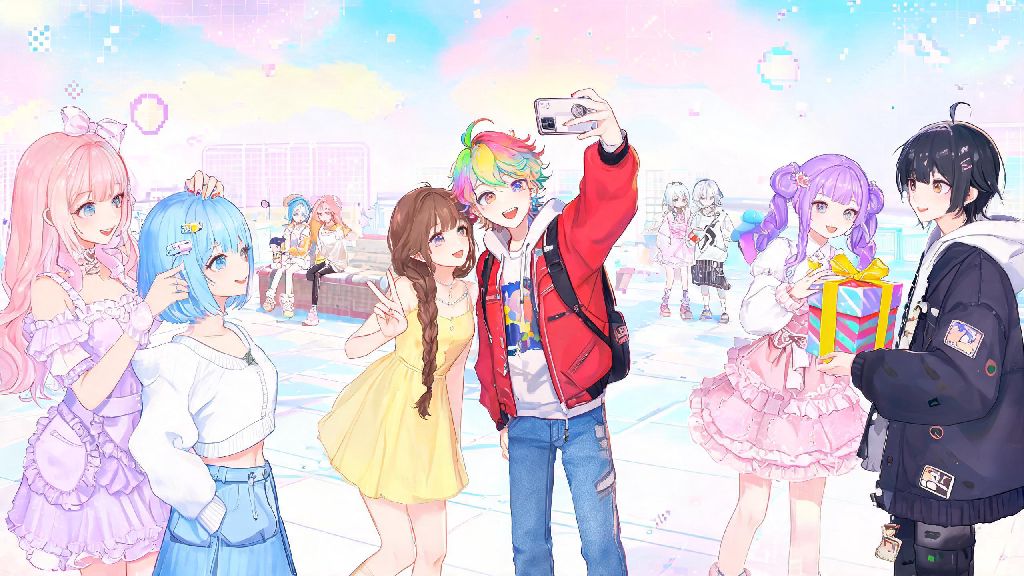
If you’ve spent any time exploring the colorful open world of Infinity Nikki, you’ve probably stumbled on co-op styling challenges, shared photo spots, or gift exchange prompts that require you to connect with other players. A lot of new players skip these features entirely because they can’t figure out how to add friends on Infinity Nikki, and that’s a huge missed opportunity. The game’s social features are designed to make your styling journey more fun, and they even give you access to exclusive rewards you can’t get playing solo. This guide will walk you through every step of the process, from sending requests to fixing common errors, so you can start building your friend list today.
How to Add Friends on Infinity Nikki: 3 Simple Methods You Can Use Right Now
The friend menu is tucked under your profile settings, so it’s normal to miss it during your first few hours of gameplay. Once you open the menu, you have three different ways to send friend requests, depending on how you connected with the other player. All methods work on both mobile and PC versions of the game, and you don’t have to reach a specific level to unlock any of them.
Once you send a request, the other player will get a notification in their inbox, and they’ll have 7 days to accept or decline it. If they don’t respond in that window, the request will automatically disappear, and you can send another one later if you want. You can cancel pending requests at any time from the friend menu if you change your mind.
Key Perks of Building Your Infinity Nikki Friend List
You don’t have to add dozens of friends to get value out of the social system, even a small list of 10 to 15 active players will make a huge difference in your daily gameplay. A lot of players assume the friend system is just for chatting, but it actually ties into core progression loops that help you earn rare items faster.
First, you can send and receive free daily stamina with every friend on your list. Stamina is the most valuable resource in the game, as it lets you run challenge stages to earn styling tokens, fabric, and limited-time event items. I used to run out of stamina by midday every day before I added 20 active friends, now I get enough free stamina to run 2 extra event stages daily, which cut my grind time for the last limited set in half.
You also unlock access to co-op exclusive fashion sets that you can’t earn playing solo. These co-op challenges require 2 to 4 players to style outfits around a shared theme, and you get points based on how well your looks complement each other. The sets from these challenges are usually some of the most creative in the game, with unique animations and accessories that stand out in photos.
Finally, you can visit your friends’ in-game homes to collect friend visit rewards like rare decor items, currency, and even temporary styling boosts. You can leave notes on their home guest book, share photos of your latest outfits, and team up to take group photos in the open world to post to the in-game gallery. It’s a small feature, but it makes the world feel a lot more connected and fun to explore.
Common Issues When Adding Friends on Infinity Nikki (And How to Fix Them)
Even if you follow all the steps correctly, you might run into errors when trying to send friend requests. Most of these issues have simple fixes, and they’re usually caused by small mistakes you can correct in a few seconds. I’ve run into almost all of these myself when building my friend list, so I know exactly how to work through them.
The most common error is getting a “UID not found” message when you try to search for someone’s ID. First, double-check that you typed all 9 digits correctly, it’s really easy to mix up numbers when you’re copying an ID from a social media post. If the ID is correct, the issue is almost always cross-server compatibility. You can only add friends who are on the same server as you, so if your friend is on the North America server and you’re on the Europe server, you won’t be able to connect. There’s no way around this right now, as servers are separated to reduce lag during large global events.
Another common issue is not seeing your request show up in the other player’s inbox. This is usually caused by their privacy setting blocks. A lot of players turn off friend requests entirely to avoid spam from random accounts, especially if they post their UID publicly in community groups. If you know the person, ask them to adjust their privacy settings temporarily to allow friend requests, or have them send you a request instead.
You also might get a “request limit reached” message when you try to send a new request. The game has a friend request limit cap of 50 total friends, so if you already hit that number, you’ll have to remove inactive players before you can add new ones. I recommend purging your list once a month to remove anyone who hasn’t logged in for 7 days or more, as they won’t send you gifts or join you for co-op challenges anyway.
Best Practices for Growing an Active Infinity Nikki Friend List
It’s tempting to add every random player you run into to hit that 50 friend cap as fast as possible, but a list full of inactive players won’t help you get any extra rewards. It’s better to take a little extra time to build a list of active players who will engage with you regularly, send daily gifts, and join you for co-op events.
First, share your UID or friend code in active player communities like official Discord servers, Reddit groups, or the in-game gallery comment sections. Most of these groups have dedicated threads for people looking for active friends, so you can connect with players who log in daily and are interested in the same content as you. I’ve met most of my long-term game friends in these threads, and we still team up for every new event that drops.
When you send a request, add a short note explaining why you’re adding them. For example, if you met them in a co-op challenge, mention that you liked their outfit and want to team up again. If you found their UID in a friend search thread, mention that you’re looking for daily gift partners. This makes people way more likely to accept your request, as they know you’re not just sending spam.
Also, make a habit of sending gifts to all your friends every day. Most players will send gifts back if you send them first, and it builds a routine of mutual engagement. If you notice a friend hasn’t logged in for a week, don’t feel bad about removing them to make space for a new active player. You can always add them back later if they start playing again.
Finally, don’t be afraid to leave group chats or remove friends who are toxic or spam you with unwanted messages. The social features are supposed to make the game more fun, so you don’t owe anyone a spot on your friend list if they’re making your experience worse.
Adding friends to your Infinity Nikki account doesn’t have to be a confusing process, and the payoff is well worth the small amount of effort it takes. You’ll get access to exclusive rewards, fun co-op content, and a community of people who share your love for creative styling challenges. Even if you prefer playing most of the game solo, keeping a small list of active friends will make it easier to grind for limited-time sets and top leaderboards. Once you know how to add friends on Infinity Nikki, you’ll wonder how you ever played the game without them.