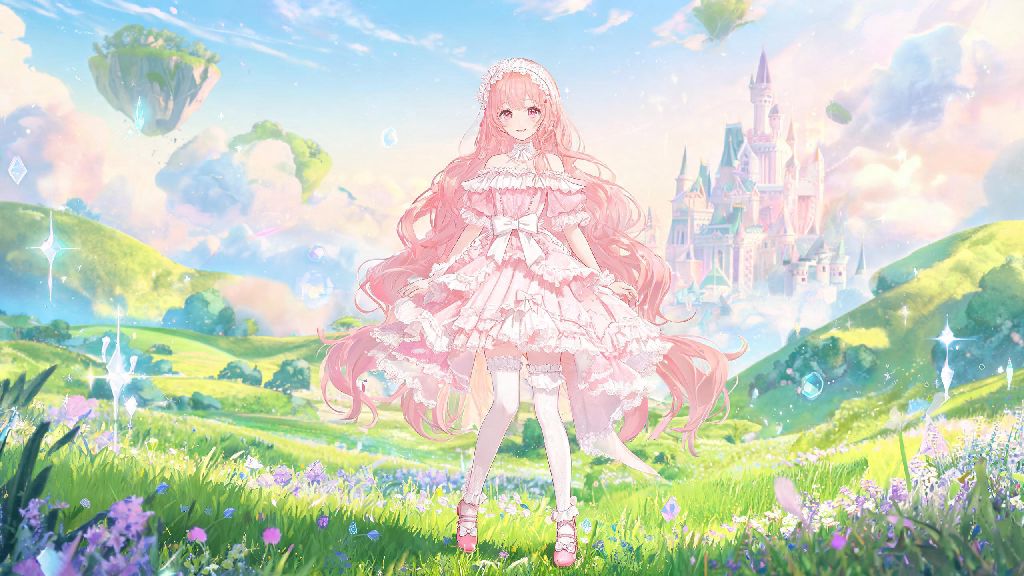
If you’ve spent hours gushing over Infinity Nikki’s 2026 story updates, limited edition gacha outfits, or breathtaking open world vistas, you’ve definitely wanted to save a few perfect moments to share or use as phone wallpapers. Most new players struggle with how to find infinity nikki screenshots that are high resolution, unwatermarked, and not stolen from original creators, especially with so many low-effort repost accounts popping up across social media this year. I’ve been playing Infinity Nikki since its global launch, and I’ve tested every possible source to curate the most reliable options that work for both casual players looking for cute outfit shots and content creators needing footage for edits.
How to Find Infinity Nikki Screenshots From Official Game Sources First
The safest and highest-quality shots will always come directly from official sources, with zero risk of copyright issues for personal use. First, if you want custom shots of outfits you own yourself, use the in-game photo mode that got a massive update in the 2026 spring patch. Always use the in-game photo mode first if you want custom shots of your own Nikki outfits, since it lets you toggle off all UI elements, add filters, adjust poses, and even place Nikki in hidden open world locations you’ve unlocked.
If you’re looking for shots of limited outfits or event content you didn’t get to participate in, check official Infinity Nikki social media accounts on X, Instagram, and TikTok. The dev team posts high-res screenshots of every new event, outfit drop, and story chapter the day they go live, and all are free to save for personal use. You can also find full press kits for major 2026 updates on the official game website, with 4K shots that work great as desktop wallpapers. Always double-check the copyright rules for any screenshot you plan to use for commercial purposes, even if it comes from an official source. If you’re unsure about what counts as acceptable use, you can reference the official Infinity Nikki community guidelines for clear rules around content sharing.
Top Community Sources for High-Quality Fan Screenshots
Official sources only cover promotional content, so if you’re looking for shots of hidden Easter eggs, custom outfit combinations, or funny glitch moments, you’ll want to turn to the global player community. The first stop I always recommend is the r/InfinityNikki subreddit, which has a dedicated weekly screenshot megathread that’s updated every Monday in 2026. You can filter posts by the [Screenshot] flair to cut out unrelated discussion posts, and most users share full-res, unwatermarked shots if you ask in the comments.
Discord is another great option, with both the official Infinity Nikki server and hundreds of fan-run servers having dedicated #fan-screenshots channels. Many creators post their shots there first before sharing to other platforms, so you can often get early access to shots of new content before it pops up on other social media. Pixiv is also a goldmine for stylized and edited screenshots, especially from Japanese players who focus on capturing soft, aesthetic shots of Nikki in different lighting.
When using community sources, keep these simple rules in mind to avoid issues:
Avoid random Pinterest boards for fan screenshots, because 90% of the posts are reposted without credit, and you won’t be able to get the full resolution version even if you save the image. Most of the shots on Pinterest are compressed to save server space, so they’ll look blurry if you try to use them as a wallpaper.
Tools to Capture Your Own Custom Infinity Nikki Screenshots in 2026
If you can’t find the exact shot you’re looking for from existing sources, it’s easier than ever to capture your own in 2026, no fancy editing software required. For PC players, Use the built-in Windows Game Bar or Nvidia GeForce Experience overlay to capture 4K shots without lag, even during busy event scenes with lots of particle effects. You can set a custom hotkey to capture shots in one click, so you never miss a perfect moment during a cutscene.
For mobile players, first turn on the hidden UI toggle in the game’s settings menu that was added in the 2026 summer update. This will hide all buttons, health bars, and quest markers so you only get a clear shot of Nikki and the world around her. Use your phone’s native screenshot function to capture the shot, then use a free app like Snapseed to crop out any remaining status bar icons if needed. For console players on PS5 or Xbox Series X/S, use the built-in screenshot capture function, then transfer the shots to your phone or computer via the official console app in seconds.
One tip I swear by: If you’re trying to capture a shot of a cutscene, pause the cutscene first, then use the photo mode toggle to hide the play bar and adjust the angle. You can even zoom in on small details like Nikki’s jewelry or the pattern on her dress that you can’t see during normal gameplay. Just avoid using third-party screen capture apps that ask for access to your game account, as they can trigger anti-cheat flags and get your account temporarily banned.
Common Mistakes to Avoid When Searching for Infinity Nikki Screenshots
Even with the right sources, it’s easy to run into frustrating issues if you don’t know what to look out for. The first big mistake I see new players make is downloading screenshots from random sketchy sites that ask you to complete surveys or turn off ad blockers to access the full resolution file. These sites often host malware alongside low-resolution, watermarked shots, so they’re never worth the hassle, even if they claim to have exclusive shots of unreleased content.
Another common mistake is reposting screenshots without credit, whether they’re from official sources or fan creators. Even official promotional shots should be tagged as official if you post them to your own social media, to avoid misleading other fans into thinking you created the content. If you’re not sure who the original creator of a shot is, use a reverse image search tool to track them down before sharing.
Don’t waste your money on paid screenshot packs sold on sites like Etsy or TikTok either. Most of these packs are just reposts of free fan screenshots that the seller didn’t create, so you’re paying for content that’s available for free if you know where to look. If you want to support creators, send them a small tip directly instead of buying stolen content from resellers. If you’re looking for shots of limited 2026 event content, make sure to filter your search results by date to show posts from the event’s run time, so you don’t have to sift through years of old, unrelated content.
At the end of the day, finding high-quality, legitimate shots doesn’t have to be a frustrating process if you stick to the sources we covered. Whether you’re looking for official promotional shots of new 2026 outfits, fan captures of hidden open world Easter eggs, or want to take your own custom shots, you now have all the tools you need for how to find infinity nikki screenshots that fit exactly what you’re looking for. Don’t forget to credit creators when you share their work, and have fun showing off your favorite Infinity Nikki moments with the rest of the community.