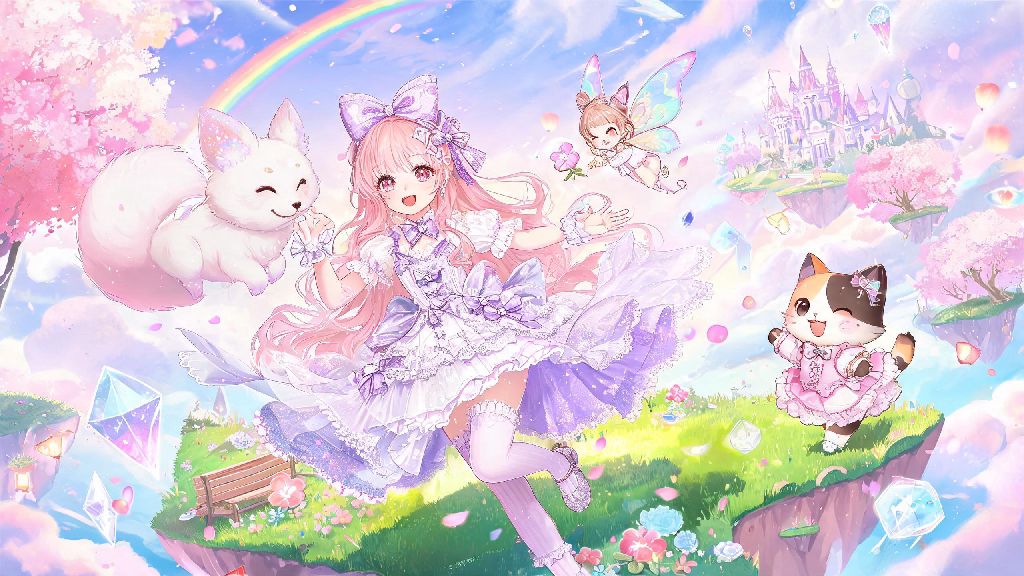
If you’ve spent hours dressing up Nikki in your favorite limited-edition outfits, exploring the whimsical floating islands of Miraland, or unlocking cute interactions with side characters, you’ve definitely wanted to save those moments forever. Figuring out how to take snapshot in Infinity Nikki is easier than you think, but there are a ton of hidden settings and tricks that will turn your basic screen grabs into polished, shareable content that stands out on fan forums and social media. I’ve spent over 100 hours testing every photo mode feature in the game, and I’m breaking down exactly what you need to know to get shots that look like they came straight from the official art team.
Step 1: Access the Hidden In-Game Photo Mode First
You don’t have to rely on your phone or console’s default screenshot tool to save your favorite moments, because Infinity Nikki has a dedicated built-in photo mode with way more features. On mobile, you can pull it up by tapping the three-dot menu in the top right corner during free roam, then selecting the camera icon; on PC, the default shortcut is F9. You can also pause time in photo mode, so you don’t have to worry about Nikki shifting position or the light changing while you adjust your settings. This is especially useful if you’re trying to line up a shot with a rare weather event, like a rainbow or a snowstorm, that only lasts for a few minutes at a time. Always use the in-game photo mode instead of device screenshots for 4K resolution output, even if you have a lower-end device, because the mode will render the shot at the highest possible quality your hardware can handle with no extra lag. Note that you can’t access photo mode during active cutscenes or combat, so wait until those sequences wrap to grab your shot.
Adjust These Settings to Make Your Snapshots Stand Out
Once you’ve opened photo mode, you’ll see a sidebar with dozens of customization options that a lot of new players completely miss. First, play with the angle adjustment: you can zoom in up to 2x to focus on tiny outfit details like embroidery or hair accessories, or zoom out to capture the full scope of Miraland’s sprawling cherry blossom forests or crystal lakes. Turn on the depth of field toggle to blur out busy backgrounds and make Nikki the clear focal point of your shot — this one change makes even basic posed shots look way more professional. The game also has 12 pre-set filters, but soft pastel and golden hour filters work best for most outdoor shots, while the cool blue filter is perfect for winter or underwater scenes.
Sometimes you might hit a point where you’ve taken 20 shots in a row and none look quite right, and you need a short break to reset your creative eye. A lot of players I know step away for 5 minutes to play a quick, low-stakes casual game to clear their head, and Rummy Ludo is a popular pick for these short breaks because it’s easy to pick up and put down without losing progress. Once you’re feeling refreshed, you can come back to your photo session with a fresh perspective and spot small tweaks you missed earlier, like adjusting the lighting angle by 10 degrees or moving Nikki a step to the left to avoid a weird shadow.
If you’re not sure where to start with settings, prioritize these three adjustments first:
How to Take Snapshot in Infinity Nikki of Rare Hidden Moments
Some of the most popular shared snapshots in the Infinity Nikki community aren’t carefully posed shots — they’re captures of unscripted, random moments that only happen for a few seconds at a time. These can include Nikki doing a little happy dance after you complete a side quest, a wild cat walking up to her to be petted in the forest, or the Northern Lights appearing over the ice mountains at random intervals. Enable the quick photo shortcut in your game settings to grab these fleeting moments in one tap, so you don’t have to fumble through the full menu and miss the 2-3 second window where the interaction happens.
I once missed a shot of Nikki playing with a group of glowing fireflies because I was trying to open the full photo mode menu, so I now keep the quick shortcut enabled at all times, and I’ve captured 3 rare shots I never would have gotten otherwise. You can also turn off auto-save for snapshots if you want to pick only your best shots to save to your device, which saves a ton of storage space if you take hundreds of photos like I do. If you capture a really rare moment, you can even submit it to official community contests for a chance to win in-game currency or limited-edition outfit pieces.
Common Mistakes to Avoid When Taking Snapshots
Even with all the right settings, small missteps can ruin an otherwise perfect shot, so keep these common mistakes in mind when you’re setting up your frame. First, don’t stand too close to walls or large objects when you take your shot, because the depth of field effect will blur out part of Nikki’s outfit if there’s an object right behind her. Leave at least 2 feet of in-game space between Nikki and any background objects to avoid weird blurring artifacts — it’s a small adjustment that makes a huge difference.
Second, don’t overuse filters: if your outfit has bright, saturated colors, a heavy filter can wash out the details you worked so hard to unlock. Stick to low intensity filters (around 20-30% opacity) for most shots to keep colors looking natural. Third, don’t forget to check the lighting direction: if the sun is behind Nikki, her face will be completely dark unless you turn on the fill light toggle in the photo mode settings. A lot of new players forget the fill light exists, but it’s the easiest way to fix backlit shots without adjusting the overall brightness of the whole scene and washing out the background.
At the end of the day, the best part of taking photos in Infinity Nikki is getting to show off your personal style and the little moments that make your playthrough unique. Whether you’re taking shots to share with your friends in your guild, or you’re building a collection of your favorite outfits for your own reference, mastering how to take snapshot in Infinity Nikki will help you save all your favorite memories from the game for years to come. Don’t be afraid to experiment with weird angles, unexpected poses, and different filter combinations — some of my favorite shots I’ve ever taken were happy accidents that came from playing around with settings I’d never tried before.