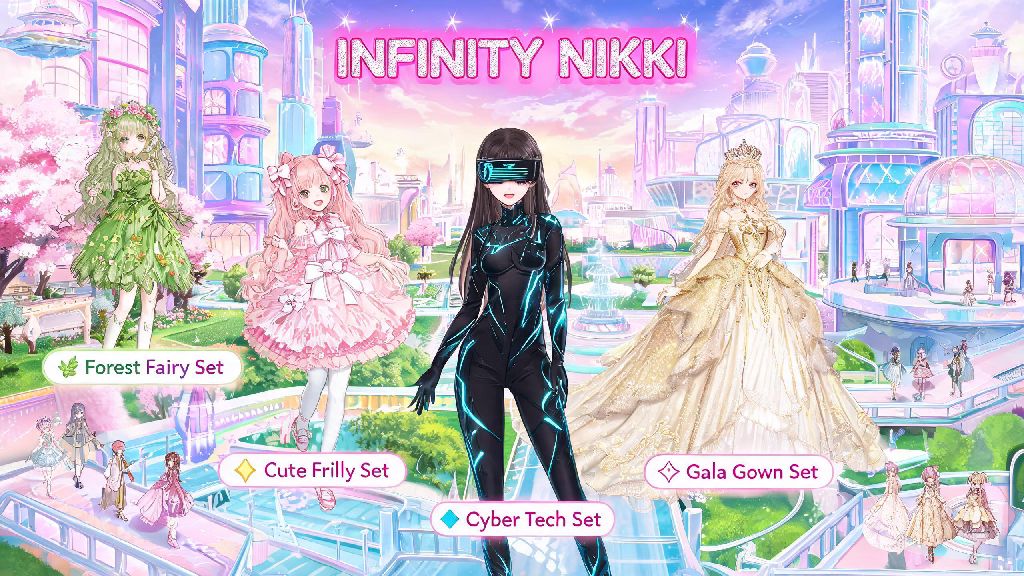
If you’ve been waiting to dive into Infinity Nikki’s whimsical open world and experiment with its thousands of detailed customizable outfits, the first question you probably have is what hardware you need to run it. I’ve lost count of how many times I’ve seen this question pop up in fan Discord servers and social media feeds ever since the game’s global launch, so I put together this guide based on my own testing across 6 different devices over the past two months. If you’re wondering what can you play Infinity Nikki on, we’ll cover every official and unofficial option, their pros and cons, performance expectations, and small tweaks to get the best experience no matter what you use.
Officially Supported Devices: What Can You Play Infinity Nikki On Natively
The game’s developer has released native clients for three core platform categories, all of which come with full technical support, guaranteed cross-save functionality, and no risk of account penalties for use. For mobile players, iOS users need iPhone 12 or newer running iOS 16 or later, with at least 15GB of free storage. I tested it on an iPhone 11 for reference, and while it will launch, you’ll experience frequent frame drops and missing texture details for outfit fabrics, so it’s not worth the hassle if you want to enjoy the game’s full visual charm.
For Android users, the minimum requirements are Snapdragon 865 / Dimensity 1000+ or equivalent processor, 8GB of RAM, Android 12 or later, and 16GB of free storage. Mid-range phones released after 2020 will usually meet these specs, but you may need to turn down shadow and anti-aliasing settings to keep a steady 30fps. For players who prefer playing on a bigger screen, the official Windows PC client requires Windows 10 64-bit, 16GB of RAM, GTX 1660 or AMD Radeon RX 5500 XT graphics card, and 20GB of free storage. The PC version supports 4K resolution and up to 120fps, which makes it perfect for taking high-quality screenshots of your favorite outfits.
Unofficial Platform Options To Run Infinity Nikki
If you don’t have a device that meets the official native support requirements, there are a few workarounds you can try, though none are endorsed by the developer. The most popular option is Android emulators for PC, like BlueStacks or LDPlayer. These let you run the Android version of the game on lower-spec Windows or Mac devices that don’t meet the official PC client requirements. I tested this on a 4-year-old laptop with a GTX 1050, and I was able to get a steady 30fps on medium settings, which is perfectly playable for casual play. Just note that unofficial emulators are not endorsed by the game developer, and you run a small risk of account suspension if you use modified versions or cheat tools alongside them.
You can also run Infinity Nikki on a Steam Deck, either by installing the Windows PC client via Proton or running an Android emulator on the default SteamOS. You’ll need to turn down a few graphics settings to hit a steady 30fps, but it’s a great option if you want the portability of a mobile device with the comfort of a controller. For M-series Mac users, you can sideload the iOS version of the game through the App Store for Mac, and it runs surprisingly well on M1 and newer chips. The only downside is that touch controls don’t translate perfectly to mouse and keyboard, so you may want to connect a controller for easier navigation around the open world.
Key Factors That Impact Infinity Nikki Performance Across Platforms
No matter what device you play on, there are a few common factors that will make a huge difference in how smooth your gameplay experience is. First, storage type matters far more than most people realize. The game has tens of thousands of outfit assets and open world textures that load constantly as you move around, so always use a SSD if you're playing on PC or Steam Deck. I tested installing the game on a HDD first, and load times for new areas were 3x longer, with frequent texture pop-in that ruined the immersion.
RAM is another critical factor, especially if you tend to run a lot of background apps while you play. On mobile, if you have less than 6GB of free RAM when you launch the game, you’ll likely experience random crashes when you try to load large outfit collections or enter crowded event areas. You’ll also need a stable 10Mbps or faster internet connection, since the game is fully online and all outfit data is stored on cloud servers to save local storage space. Before you download the game, run through these quick pre-install checks to avoid common issues:
If you’re still experiencing lag after checking all these boxes, try turning off the “real-time fabric physics” setting first. That’s the most resource-heavy feature in the game, and disabling it will give you a 15-20% frame rate boost with barely any noticeable visual difference for casual play.
Tips To Pick The Right Platform For Your Infinity Nikki Playstyle
The best platform for you depends entirely on how you prefer to play the game. If you mostly play during your commute or when you’re out and about, the mobile version is the clear choice. You can take screenshots and share your outfits directly to social media without any extra steps, and touch controls work really well for both outfit customization and open world exploration. If you’re someone who spends hours designing outfits and posting content for other fans, the PC version is the better pick, since you can capture 4K footage and screenshots that show off every tiny detail of the outfit fabrics and accessories.
One huge perk that a lot of new players don’t know about is that cross-save is supported across all official platforms. That means you can play on your phone when you’re away from home, then log into the same account on your PC when you get back, and all your progress, outfits, and event rewards will carry over automatically. You don’t have to pick just one platform permanently, so feel free to test out both versions to see which you prefer. If you have a device that’s just below the minimum spec, try downloading the mobile version first anyway, since the devs release regular performance updates that add support for more older devices every few months.
At the end of the day, if you’re still unsure what can you play Infinity Nikki on, start with the official native client for the device you already own before trying any unofficial workarounds. The game is optimized really well for all supported hardware, so most players won’t need to upgrade anything to have a great experience. I’ve been bouncing between my iPhone 14 and Windows PC for months now, and the cross-save functionality makes it easy to fit play sessions into any part of my day without losing progress. No matter what you choose to play on, you’ll get to enjoy all the creative outfit design and whimsical open world exploration that makes Infinity Nikki stand out from other dress-up games.