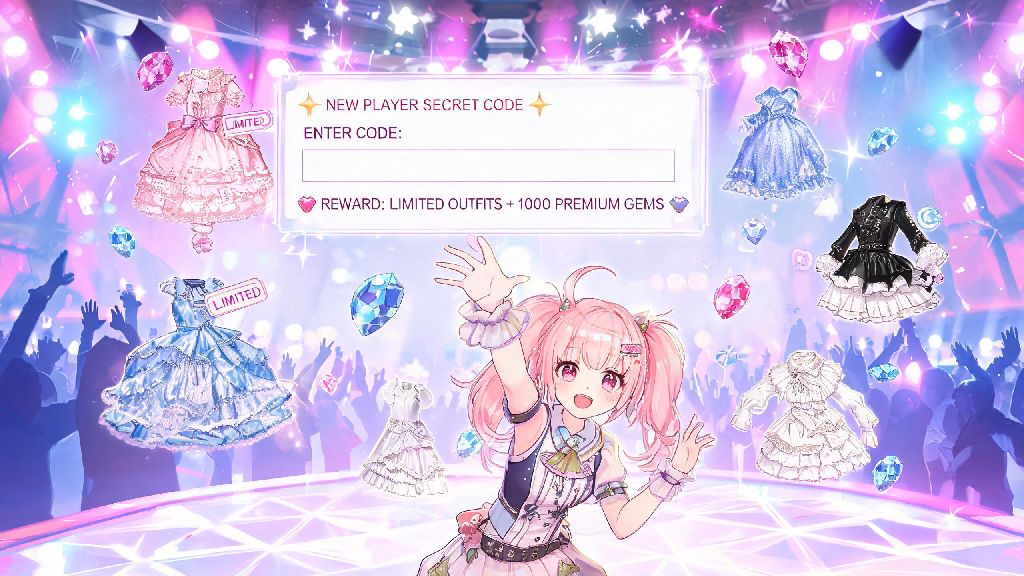
If you’ve spent hours styling Nikki for stage challenges or exploring the open world of Miraland, you know how quickly premium currency and limited outfit pieces run out. Most players miss out on hundreds of free gems, rare accessories, and stamina refills simply because they don’t know where to put codes Infinity Nikki offers for new players and event rewards. I’ve tested every code redemption path in the game over the past six months, and I’m breaking down exactly how to claim your free stuff without running into frustrating errors.
Where to Put Codes in Infinity Nikki: Exact In-Game Menu Path
The code redemption option is not visible on the login screen, which trips up a lot of new players who try to enter codes before they even load into the main game. First, you need to finish the first 3 story missions first to unlock the full main menu, including your profile and settings options. This only takes about 10 minutes, so don’t panic if you don’t see the option right away when you first download the game.
Once you have access to the main open world screen, tap the small profile icon in the top left corner of your screen. From there, tap the small settings cog in the bottom right corner of your profile card, right next to your username. Scroll down until you see the "Redeem Code" button between the "Language" and "Notification Settings" options. Tap it, enter your code with exact capitalization and no extra spaces, and tap confirm to submit.
Your rewards won’t pop up immediately, but you’ll get a small notification in the top of your screen confirming the code was applied successfully. If you get an error message at this stage, double check that you entered the code correctly, as most typos will cause a failed redemption.
Common Reasons You Can’t Find the Code Redemption Box
Sometimes the in-game redemption option won’t show up even if you’ve finished the prologue, and there are a few simple explanations for this. The most common issue is that you’re using a guest account that isn’t linked to any email or social media profile. Guest accounts can’t redeem codes at all, so you’ll need to link your account to a Google, Facebook, or email address first to access the feature.
If you still can’t find where to put codes Infinity Nikki has for your region, check the official website for your server’s dedicated redemption page. Some regional servers don’t support in-game redemption due to local platform rules, so you’ll need to enter your user ID and code on the official site instead. You can find your user ID on the same profile page where the in-game redemption button would normally appear.
Another common fix is to update your game to the latest version. If you’re running an older build of Infinity Nikki, the redemption menu option might be missing entirely. Head to your app store to install the latest update, restart your game, and the button should appear as expected.
Best Practices for Redeeming Infinity Nikki Codes Without Errors
Once you know where to put codes Infinity Nikki shares, following these simple rules will make sure you never miss a reward. I’ve wasted dozens of codes over the years by missing small details, so these tips come from personal experience of losing out on rare event outfits.
You should only use official Infinity Nikki social media accounts for codes, including the game’s official Discord, X (Twitter), Instagram, and in-game announcement board. Codes are never shared via private message, so if someone sends you a code and asks for your login details to activate it, it’s a scam. Never share your account login details with any third party, even if they claim to have a exclusive rare outfit code for you.
If a code doesn’t work, don’t panic. It’s most likely already expired, already used on your account, or entered incorrectly. Try copying and pasting the code directly from the official post again, and make sure there are no extra spaces at the start or end of the text box.
What to Do After You Successfully Redeem Your Code
As I mentioned earlier, your rewards won’t go straight to your inventory right after you redeem a code. All code rewards are sent to your in-game mail, which you can access by tapping the small envelope icon in the top right corner of your main game screen. Head to the "System Mail" tab, and you’ll see a message from the Infinity Nikki team with your rewards attached.
You can tap "Claim All" at the bottom of the mail screen to collect all your rewards at once, which saves time if you have multiple codes to redeem. Gems, stamina, and currency will be added to your top bar count immediately, but outfit pieces and accessories might take a minute to appear in your wardrobe. Outfit rewards are often added to a separate "Event" tab in your wardrobe, so if you don’t see it in the main clothing section, check there first.
If you redeem a code and don’t see the reward mail within 10 minutes, try restarting your game. Sometimes there’s a small sync delay between the server and your device, especially during big event periods when thousands of players are redeeming codes at the same time. If the reward still doesn’t appear after 24 hours, you can contact customer support through the settings menu with your redemption confirmation screenshot to get help.
You don’t have to spend real money to get the prettiest outfits and most useful items in Infinity Nikki, as long as you know where to put codes Infinity Nikki releases regularly for its player base. Take 2 minutes every week to check official channels for new codes, and you’ll build a wardrobe full of rare pieces without grinding extra stages or opening paid loot boxes. If you run into any issues with redemption, drop a comment below and I’ll help you troubleshoot.